
Home / Indian tourist eVisa / Documents required
Documents required for an
Indian tourist eVisa
from the UK
By OCI Gateway • Updated 15 November 2026
If you’re going to India on holiday or to visit family or friends, the two standard eVisa uploads are a clear copy of your passport photo page and a separate, recent photograph of your face. When you fill in the form, you’ll also need your travel dates and the address of your hotel or the people you’re staying with.
The same basic checklist applies to the 30-day, one-year and five-year tourist eVisas. If you’re applying from the UK on a non-British passport, check that your nationality and passport type are eligible before you prepare your files.
YOUR EVISA UPLOADS
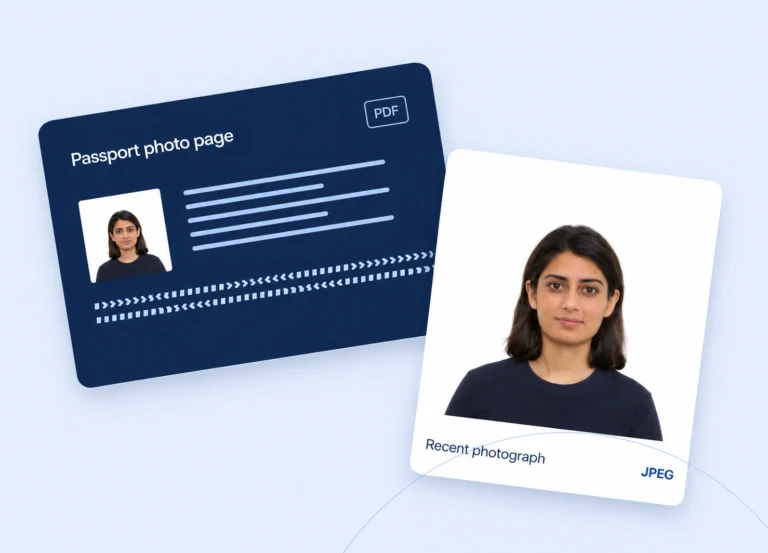
A clear passport page.
A separate, recent photograph.
Indian tourist eVisa document checklist
If you’re close to the six-month passport limit, use the date you land in India when checking your expiry date. GOV.UK passport and entry requirements for India
Your current passport
Use the passport you’ll travel on. For a full British citizen passport, check that it will have at least six months left on the day you arrive in India and at least two blank pages.
A colour copy of the passport photo page
Include all four corners. Your photograph, personal details and both lines of letters and numbers at the bottom should be readable.
A recent passport-style photograph
Take a separate, front-facing colour photo against a plain white background. Leave a little space above your head and show the tops of your shoulders.
Your travel and contact details
Have your arrival date, first point of entry in India, planned departure, and hotel or host’s address and phone number to hand. You’ll enter these details on the form.
Indian eVisa passport scan requirements
The form may ask for the “passport page containing personal particulars”. This is the page with your portrait, full name, date of birth, nationality, passport number and expiry date. For a standard tourist application, that’s the page to copy.
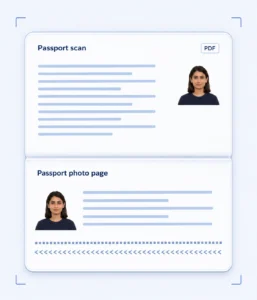
Open your current passport at the photo page.
Lay it on a flat surface in even light. Use a scanner or hold your phone directly above the page.
Leave a narrow margin around all four edges.
Keep your fingers clear and include both machine-readable lines at the bottom. On a phone, tap the printed details to focus.
Check for glare before you put the passport away.
A reflection can hide a digit even when the rest of the page is sharp. Turn off the flash and move the passport away from direct light if the laminate reflects.
Open the saved copy and zoom in.
Read the passport number and expiry date from the image. Check them against the passport, especially if you have an older scan saved on your phone.
PHOTOGRAPH FRAMING EXAMPLE
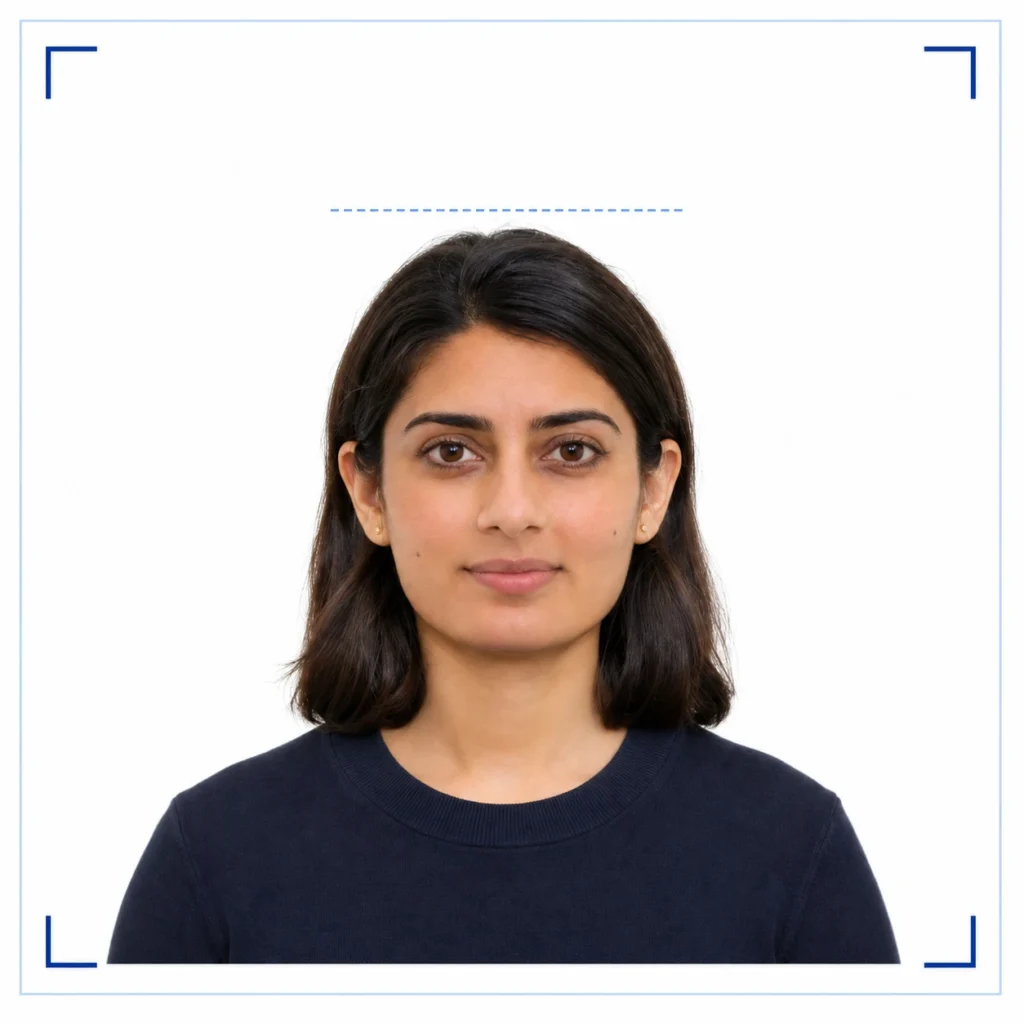
Space above your head
Upper shoulders visible
Indian eVisa photo requirements
Ask someone to take your photograph at eye level against a plain white wall. Face the camera squarely, keep your eyes open and take off your glasses. Use even light so there are no shadows across your face or on the wall behind you.
Leave a little clear space above your hair and include the tops of your shoulders.
When we crop a photo to a square, that extra space helps us keep your whole head in the frame. Keep your head centred and leave the finished image free of borders or filters.
Take a fresh portrait. Enlarging the small picture printed in your passport also enlarges the security pattern across your face.
What file format and size does the eVisa portal accept?
| File to upload | Format | File size |
|---|---|---|
| Passport photo page | 10 KB to 300 KB | |
| Separate digital photograph | JPEG (.jpg or .jpeg), square | 10 KB to 1 MB |
The government’s sample application shows a minimum photograph size of 350 × 350 pixels. A clear 600 × 600 pixel JPEG, for example, gives you room above that minimum. Check its file size after saving.
If OCI Gateway is helping you, send us the clearest original files you have. We can prepare the passport PDF and format the photograph for upload. If a corner is missing or glare hides a detail, we’ll tell you exactly what to retake.
What information do I need for the application form?
If your departure is approaching, allow time to retake a photo or replace a scan before submission. Our Indian eVisa processing-time guide explains when to apply and what to do if you’re waiting for a decision.
Travel dates and route
Use the date you arrive in India, which may be the day after you leave the UK. For example, if you fly from London to Delhi, clear immigration in Delhi and continue to Jaipur on a domestic flight, Delhi is your port of arrival.
Where you’ll stay
Have your hotel name, address and telephone number ready. If you’re staying with relatives or friends, ask for your host’s full name, address and contact number.
References and previous visits
Keep contact details for a reference in India and one in your home country to hand. If you’ve visited India before, look up your previous visa details and the places you visited.
An email address you check
The authorities use the address on the application for their decision and for any request for a replacement file.
Can I take my passport scan and visa photograph on a phone?
Yes. Take two separate pictures. For the passport, hold the camera parallel to the page so the far edge stays sharp. For the portrait, ask someone else to hold the phone so you can face the lens straight on. If your phone saves images as HEIC, export the portrait as JPEG for the portal and save the passport page as a PDF.
Do I need a bank statement, flight booking or hotel confirmation?
The standard tourist upload list for a holiday or family visit does not include a bank statement, flight booking or hotel confirmation. You’ll still need your itinerary and accommodation details for the form. The Indian authorities also expect travellers to have a return or onward ticket and enough money for their stay. Follow any additional document request you receive for your application.
What documents does my child need for an Indian tourist eVisa?
Each child, including a baby, needs their own passport, passport-page copy, recent photograph and separate eVisa application. Families can use the same itinerary and accommodation details when travelling together. Before uploading, open each pair of files and make sure the portrait and passport belong to the same child.
What if my file won’t upload or I’m asked to upload it again?
If the portal won’t accept a file, first check the format and file size against the table above. Use your device’s export or save-as function to convert it. Changing the filename from .jpg to .pdf leaves the file in its original format. If you compress a passport PDF, reopen it and check that the small print is still readable.
If you’ve already submitted and the authorities email you for a clearer document, follow the instructions for that application using the re-upload option on the official portal. Keep your application reference to hand.
Do I have to post my passport or attend a VFS appointment?
For a standard tourist eVisa, you complete the application online and keep your original passport. Once your Electronic Travel Authorisation (ETA) shows Granted, check the name and passport number, then print a copy to carry with your passport.
Does this checklist apply if I already have OCI or my first OCI application is pending?
If you already hold a valid OCI card or eOCI and a valid British passport, you can generally use those documents to visit India without a separate tourist visa. If your passport has changed since your OCI was issued, check the OCI passport update guidance.
If you’re waiting for your first OCI to be granted, you still need valid permission for your trip. Whether a tourist eVisa is an option depends on your passport nationality, circumstances and purpose of travel.
Could I be asked for another document?
Yes. For example, if you’re visiting for an eligible short course or short-term voluntary work, the portal asks for a letter on the organising institution’s letterhead. Business travel and medical treatment have their own visa categories and document lists. Check the requirements for your purpose of travel on the official Indian eVisa portal.
Get help checking your Indian eVisa documents
If glare has hidden a digit on your passport scan, or you’re unsure how tightly to crop your portrait, our UK team can check your files and explain what to change. We offer independent application assistance and confirm the government fee and our charge before you go ahead. How our Indian tourist eVisa application service works
Tell us which passport you’ll use, when you plan to arrive and how many people are travelling. Select Indian eVisa on the enquiry form.